
Serving the Mississippi Gulf Coast – Biloxi, D’Iberville, Gulfport, Pass Christian, Saucier
Login to the Catalog
Use your browser to connect to the Library Catalog at :
https://harrisoncls.booksys.net/opac/hcls
Or from our website, select “Catalog” in the above menu bar.
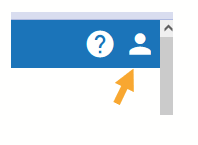
After connecting to the catalog, click on the person icon in the upper-right corner.
Enter your library card number and password in the fields provided by the pop-up box. Your ‘Username’ is your 14-digit library card number (without spaces), and your ‘Password’ was created at your library card registration.
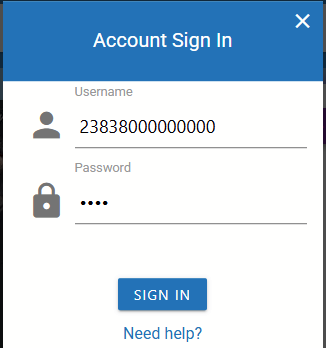
If you provided an email at registration, click ‘Need help?’ to reset your password.
Still having problems logging in? Please contact any library for help with your account.
Once you have logged in, click on your initial in the upper right corner to review your account.